English

Multilingual support is now available

Review videos by your own standards.

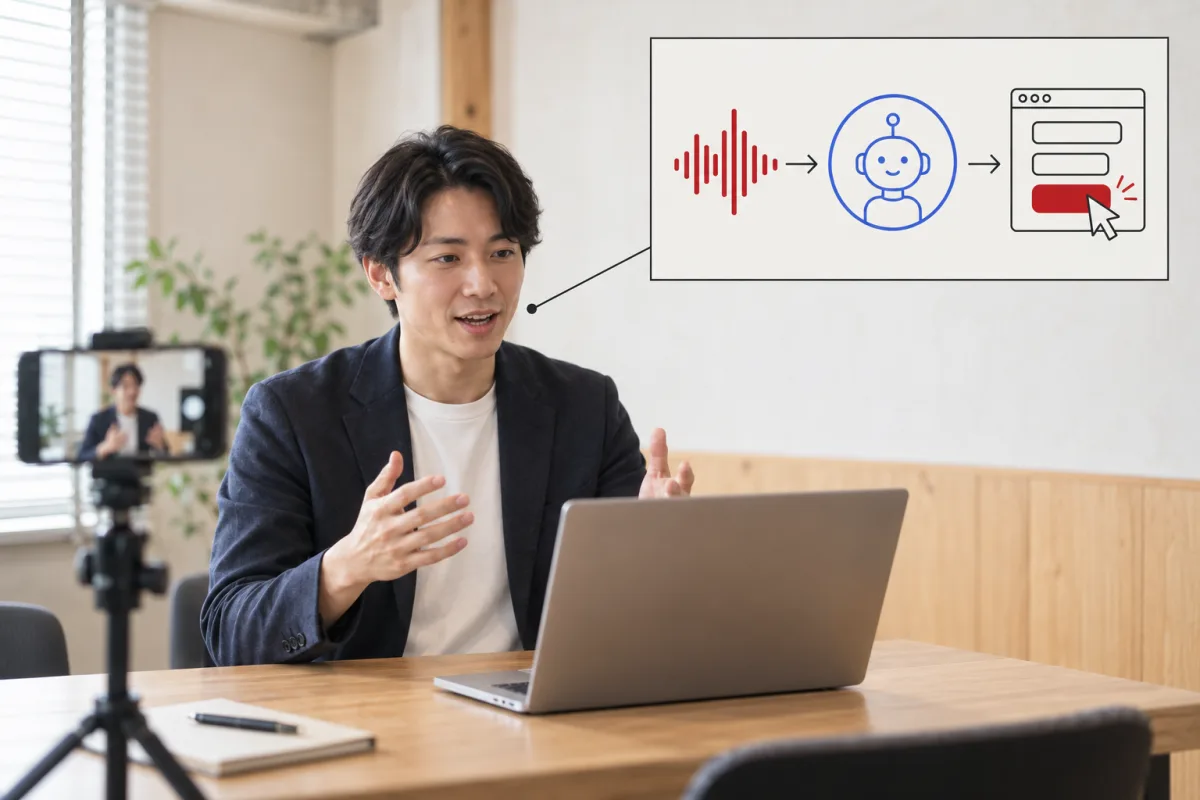
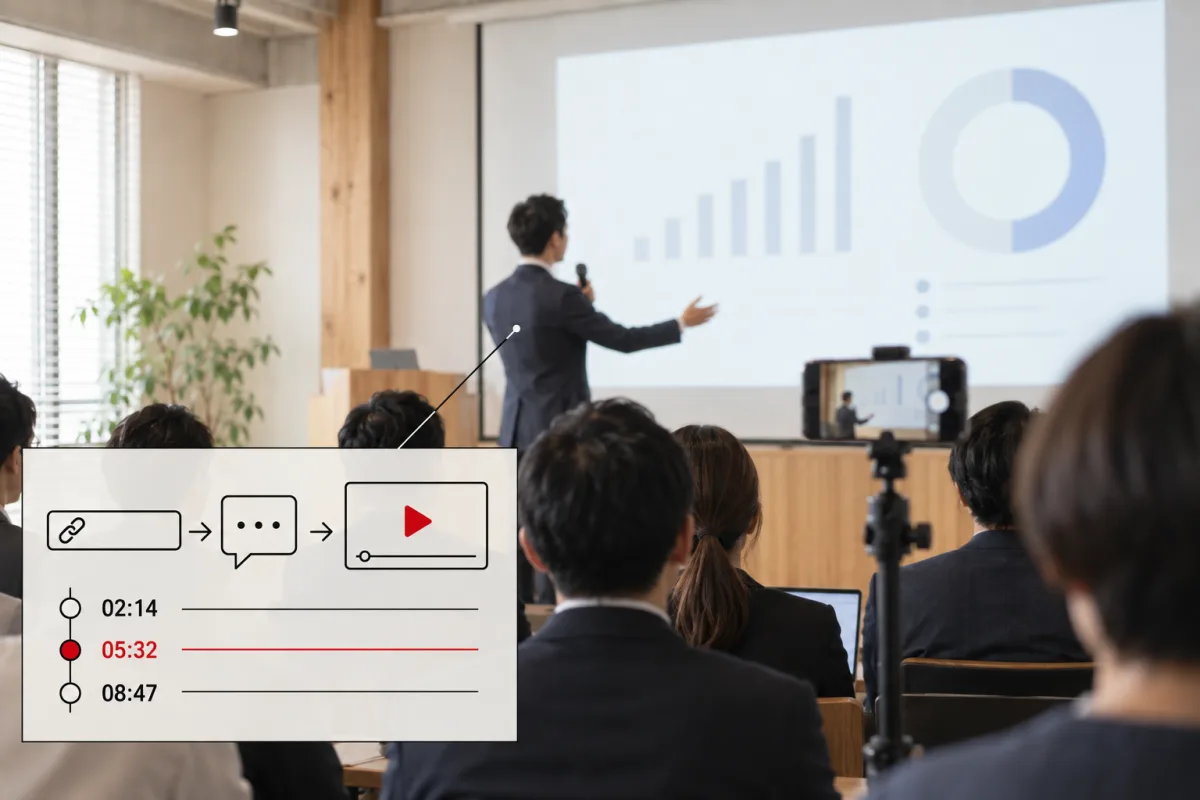
From a YouTube URL or a video on your device to review criteria, relevant moments, and your next practice task.

From sales meeting practice to a commercial you made yourself, choose a nearby format from 30 evaluation assets and adjust it to your purpose.

Powered by Gemini 3.8 Flash ↗
AI-generated image illustrating someone recording presentation practice on a smartphone
Photos and videos are AI-generated images illustrating possible uses.

Multilingual support is now available

8 languages. Supported in the app itself.

From the interface and AI feedback to downloadable reports, choose your language and start reviewing your videos.

  • Interface

    Menus and guidance in your chosen language.

  • AI feedback

    Observations and next steps in the language selected when you request a review.

  • Reports

    HTML, CSV and Excel headings in the same language.

Available in the shared web interface for desktop and mobile. Access remains invitation-only during the beta.

Choose your language in the app
Desktop and mobile devices connected to Japanese, English, Simplified Chinese, Korean, Spanish, French, Vietnamese and Thai
AI-generated illustration of the shared interface supporting eight languages.

Names you enter, original speech and previously saved evaluation content are preserved.

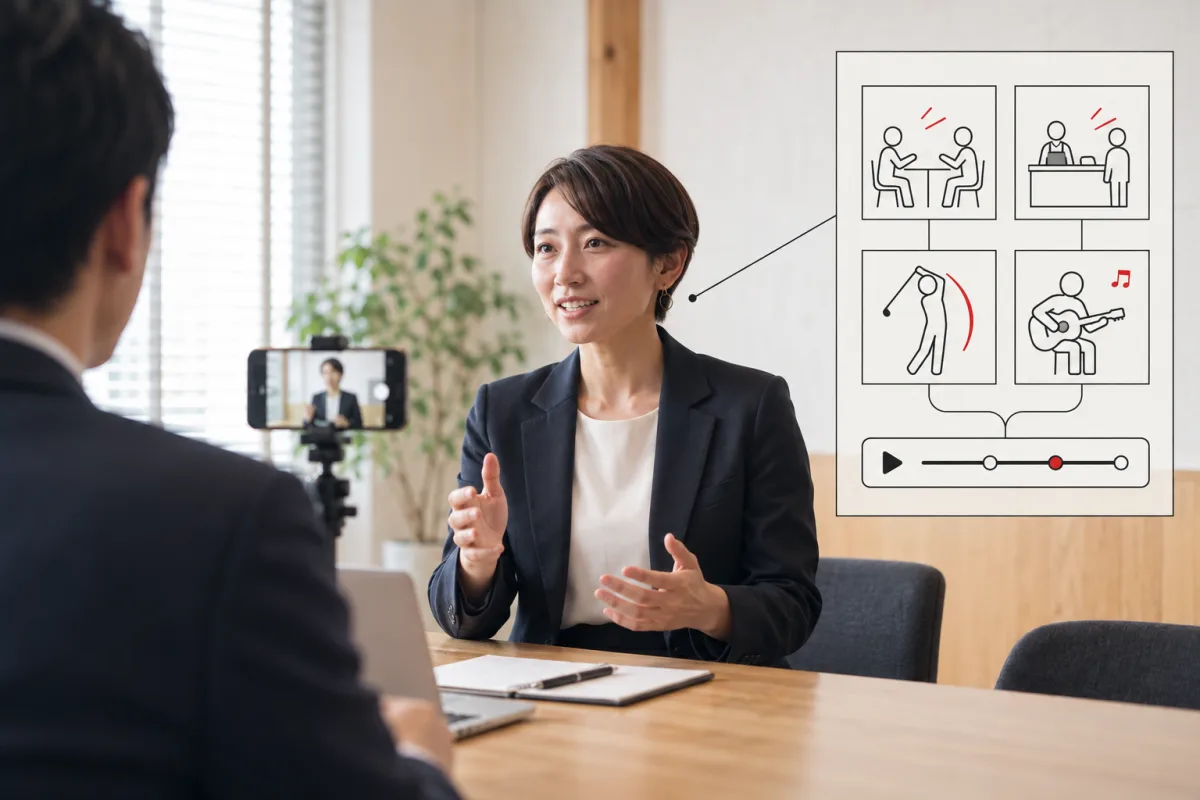
What do you want to review in that video?
Evaluate how a person speaks or performs separately from the commercial or the work as a whole.

Photos and videos are AI-generated images illustrating possible uses.

Sales and meetings

Which parts of the explanation can you cut?

Record a sales meeting rehearsal and review the order of your explanation and how you answer questions.

What the AI looks forWhere the explanation becomes too long, the order of key points, and the other person's reactions.

Photos and videos are AI-generated images illustrating possible uses.

Product commercial

Does the commercial convey the appeal?

Review a commercial you created and check whether the flow communicates the product's value from the opening.

What the AI looks forInformation in the opening, how the product is shown, and the connection between picture and sound.

Photos and videos are AI-generated images illustrating possible uses.

Cooking demonstration

Make the steps clear to first-time viewers.

Record a cooking demonstration and check when to show your hands and where explanations are missing.

What the AI looks forSkipped steps, how clearly the hands are shown, and where explanations overlap with movement.

AI-generated image illustrating an interview use case
Photos and videos are AI-generated images illustrating possible uses.

Interviews

Make the answer shorter and clearer.

Review an interview rehearsal and improve how you structure answers to questions.

What the AI looks forThe structure of the answer, responses to questions, and moments that run too long.

AI-generated image illustrating a customer-service use case
Photos and videos are AI-generated images illustrating possible uses.

Customer service

Improve both explaining and listening.

Review a customer-service rehearsal and check the order of your explanation and the pauses you leave for customer questions.

What the AI looks forThe order of the explanation, how you receive questions, and when you ask the customer to repeat something.

AI-generated image illustrating a dance use case
Photos and videos are AI-generated images illustrating possible uses.

Dance

Review how the movements connect.

Record choreography and check how the movement lines up with the music.

What the AI looks forHow movements connect, timing, and where you stop.

AI-generated image illustrating a sports use case
Photos and videos are AI-generated images illustrating possible uses.

Sports

Review your form on video.

Review posture changes that are hard to see yourself, from the setup through the start of the movement.

What the AI looks forThe setup, the start of the movement, and changes in posture and form.

AI-generated image illustrating a music performance use case
Photos and videos are AI-generated images illustrating possible uses.

Music performance

See how your performance looks to others.

Record a performance and review moments when posture and expression change.

What the AI looks forPosture, how the sound is produced, and changes in expression.

AI-generated image illustrating a video production use case
Photos and videos are AI-generated images illustrating possible uses.

Video production

Does the order of these scenes work?

Review the structure of a short video and find what to fix in the edit.

What the AI looks forThe flow from opening to ending, pauses, and cuts between picture and sound.

Practical applications from your smartphone

For teaching on the job and preparing for your next challenge.

Starting with examples from 30 fields and AI Match, adjust the evaluation criteria to your own use. These examples show possible uses through images based on actual iPhone and Android screens.

AI-generated image illustrating a possible use. The screen is based on the current Japanese version.

AI-generated image of an iPhone using Vibe Coach for foreign staff training at a hotel

Training foreign staff at a hotel iPhone

Review service that is hard to teach with words alone, together on video.

Record a role-play from the greeting through guest guidance, then review the order of service and when to ask the guest to repeat something.

What to review
  • The greeting and opening words
  • The order of checks
  • The pause to let the other person speak
AI-generated image of an Android device using Vibe Coach for hotel room cleaning and skills transfer

Hotel room cleaning and skills transfer Android

Pass on what experienced staff look for to the next person.

Record the steps for preparing a room, then share how to place tools and the order of checks with newer or foreign staff.

What to review
  • The order of work
  • Hand movements and tool handling
  • The actions used to check the finished room
AI-generated image of an iPhone using Vibe Coach for customer-service training for part-time staff

Customer-service training for part-time staff iPhone

Practice with a short video before the rush begins.

Role-play taking an order and handing over a product. The manager and the new staff member watch the same video and choose one thing to fix.

What to review
  • Checking the order details
  • The movement when handing over the product
  • What to say when something goes wrong
AI-generated image of an Android device using Vibe Coach to transfer skills from experienced staff to younger staff

Transferring skills from experienced staff to younger staff Android

Turn “this is how you can tell” into a clue you can review.

Save an experienced worker’s hand movements on video, then review together with younger staff where to pause and what to check.

What to review
  • The movement and order of the hands
  • The action of pausing to check
  • How the teaching words match the demonstration
AI-generated image of an iPhone using Vibe Coach for date conversation practice

Practical use: date conversation practice iPhone

Review how you speak with the person playing your conversation partner.

Record a conversation practice session with both people's agreement, then review how you ask questions, pause to listen, and connect topics.

What to review
  • How you ask questions
  • Listening to the other person through the end
  • Making room for the other person to speak
AI-generated image of an Android device using Vibe Coach for a first-meeting conversation

Practical use: conversation at a first meeting Android

Record one self-introduction before you meet.

Record a short version of what you want to say when meeting someone for the first time. Review your speaking speed and explanation length, and use it to practice speaking naturally.

What to review
  • The length of the self-introduction
  • Speaking speed and pauses
  • Communicating one topic briefly
AI-generated image of an iPhone using Vibe Coach for a startup pitch

Practical use: startup pitch iPhone

One more run before you send the qualifying-round video.

Record as if it were the real pitch before submitting to a pitch battle, then check how the opening comes across, the order of the explanation, and the time limit.

What to review
  • An opening that makes it clear whose problem it is
  • The order of the business explanation
  • What to keep and cut within the time limit

Recreate a real analysis

We analyzed Katsu’s pitch with this request.
A real example using Katsuhiko Sato’s pitch from TechCrunch Tokyo 2015. See the request that was actually entered, the saved evaluation settings, and the analysis results together.

02

Describe what you want reviewed in your own words

Enter the request below under “Other · Free consultation.” This is the original Japanese text that Katsu actually entered and that was saved with the analysis results.

03

Check the saved evaluation settings

In this example, the whole work is evaluated rather than a person’s gestures, using six criteria on a four-level scale. These are the settings confirmed from the saved record.

Evaluation purpose
その他・自由相談
Evaluation scope
作品全体
Evaluation asset
作品の内容・構成
Video segment
動画全体(10:06)
Rating method
4段階・スコア表示
Segment length
15分
Model used
gemini-3.8-flash
伝えたい内容構成と流れ内容の裏付け映像による伝達音の伝達視聴後の理解と印象

The setting name and request use the labels from the current Japanese version. If you run the analysis again, the wording and scores may vary with the model and the state at run time.

04

Open the actual result report

The saved result for this request contains 20 observations across six criteria and a four-chapter visual story. You can check the time-based evidence, improvements, and next practice steps.

Part of the saved AI analysis result

現場の課題感は鮮明、収益の裏付けが惜しい。
2.00 / 4Average in the saved result6Evaluation criteria20Observations4Story chapters
  • 0:38

    冒頭でターゲットとなる業態(多店舗経営)を並べ、自身の15年の経験から現場の泥臭い課題(属人化・時間不足)へとスムーズに焦点を絞り込んでいる。

  • 4:00

    ナレーションでは「売上の波形に対して練習量が伴っているか可視化された」と語られているが、スライドに提示されているグラフは動画アップロード本数の月別推移のみであり、売上や成約率などの業績データが併記されていない。

  • 5:05

    ビジネスモデルの3段階構想のスライドを画面に出すものの、「時間の都合で割愛させていただきます」と発言して説明を飛ばし、そのまま終了する。

This is an actual saved result. It does not establish the official evaluation or reason for defeat given by the judges at the time.

Choose your language in the app ↗

Start with a nearby format, then make it your own.

The criteria are shaped around the purpose of each video instead of being fixed in advance.

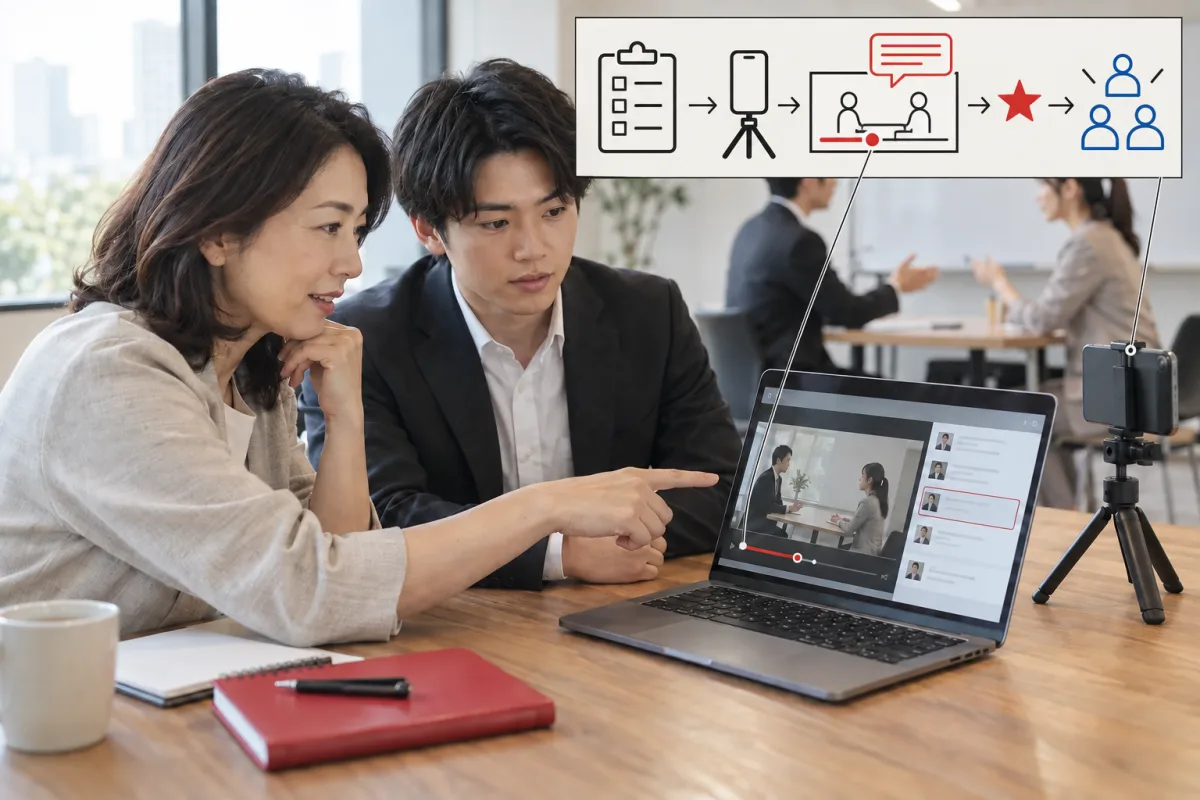
  1. 01

    Add a video and its purpose

    Start with a public or unlisted YouTube URL, a video on your device, or a video file. You can also choose whether to focus on people or on the work itself.

  2. 02

    Adjust the criteria with AI Match

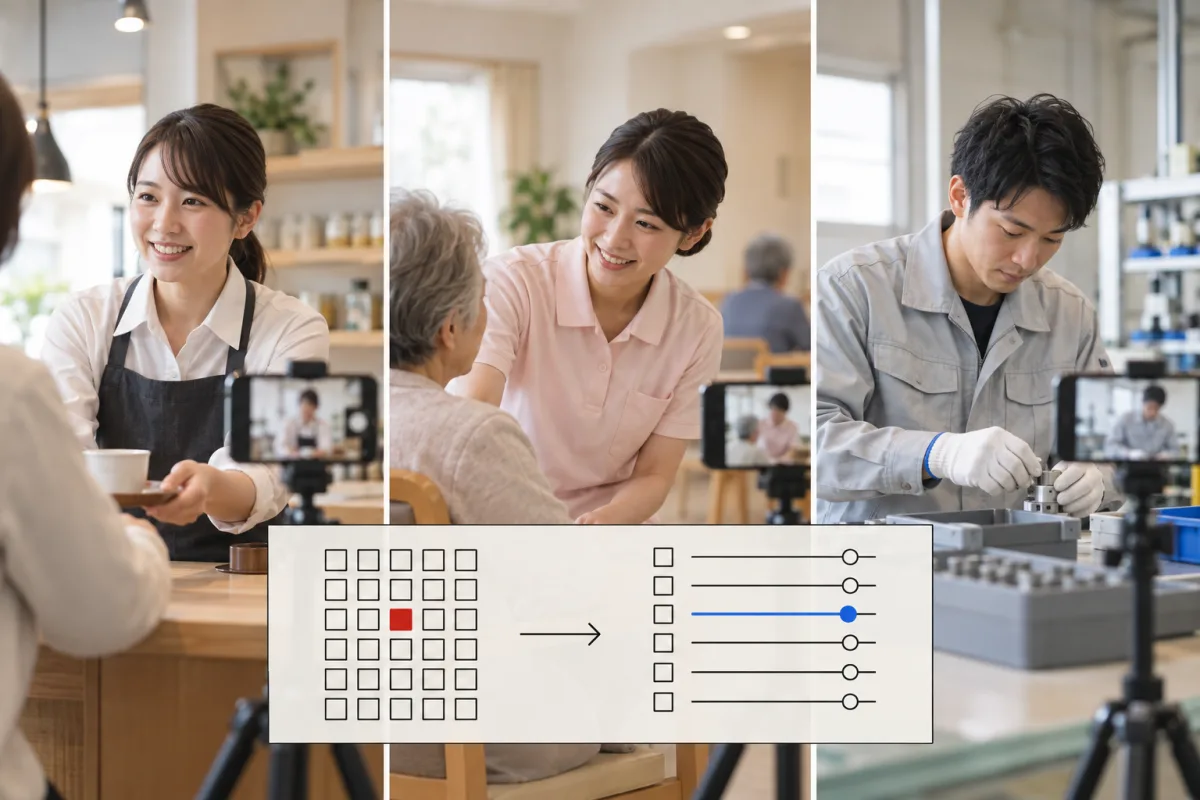
    Choose a nearby standard from 30 fields, then turn hard-to-observe items into criteria that can be checked in the video.

  3. 03

    From relevant moments to the next practice

    Check the video timestamp, reason, and suggested improvement, then choose one thing to fix next. Save evaluation assets and reuse them.

Review beyond the score.

Choose levels, a checklist, or a 100-point score, or review in words without producing a score.

Level rating

Review six criteria on a four-level scale, along with the relevant moments and reasons.

Checklist

Separate what was done, what was not done, and what does not apply. A 45-item video-streaming sample is also available.

100-point score

Set point values and weights so the evaluation shows what matters most.

Review in words

Review what to continue, what to change, and what to practice next without producing a score.

Start with examples from 30 fields.

Choose a field close to your work or practice, then adjust the criteria to your purpose.

Fields shown: 30 / 30

AI-generated image illustrating a sales meeting use case

Sales meetings

Review a sales meeting video across six criteria: rapport, questions, active listening, connecting to the proposal, responding to concerns, and closing with next actions.

AI-generated image illustrating a presentation use case

Presentations

Review a presentation video across six criteria: opening hook, structure, delivery, eye contact and facial expression, gestures and posture, and closing.

AI-generated image illustrating an interview use case

Interviews

Review an interview video across six criteria: first impression, answer structure, specificity, understanding the question, nonverbal communication, and motivation and enthusiasm.

AI-generated image illustrating a meeting facilitation use case

Meeting facilitation

Review a meeting facilitation video across six criteria: sharing the purpose and goal, drawing out contributions, organizing discussion points, time management, handling disagreement, and decisions with next actions.

AI-generated image illustrating a video streaming and talk use case

Video streaming and talks

Review a video streaming or talk video across six criteria: the first-three-second hook, clarity, energy and voice, camera eye contact and framing, pace and pauses, and closing with a call to action.

AI-generated image illustrating a customer-service use case

Customer service

Review a customer-service video across six criteria: greeting and first impression, identifying needs, explanation and guidance, wording and conduct, requests and complaint handling, and seeing the customer off.

AI-generated image illustrating a telephone support use case

Telephone support

Review a telephone-support video across six criteria: introduction and greeting, active listening and read-back, accuracy of answers, vocal tone, empathy and appreciation, and closing.

AI-generated image illustrating a restaurant floor-service use case

Restaurant floor service

Review a restaurant floor-service video across six criteria: welcoming guests, taking orders, serving, attentiveness, handling problems, and payment and farewell.

AI-generated image illustrating a beauty and barbering use case

Beauty and barbering

Review a beauty or barbering video across six criteria: consultation, technical accuracy, attention to comfort, hygiene, time and preparation, and finishing and farewell.

AI-generated image illustrating an instructor and training use case

Instruction and training

Review an instruction or training video across six criteria: stating the purpose, clarity of explanation, engagement, teaching materials and board work, timing and pauses, and checking understanding and summarizing.

AI-generated image illustrating a speech and language-learning use case

Speeches and language learning

Review a speech or language-learning video across six criteria: pronunciation and articulation, fluency, content structure, vocabulary and expression, voice and body, and timing.

AI-generated image illustrating a caregiving use case

Caregiving

Review a caregiving video across six criteria: verbal prompts and consent, body mechanics, ensuring safety, dignity and support for independence, pace and observation, and checking at the end.

AI-generated image illustrating a medical and nursing procedure use case

Medical and nursing procedures

Review a medical or nursing-procedure video across six criteria: preparation and checks, procedural accuracy, safety and cleanliness, verbal prompts and consideration, observation and judgment, and cleanup and documentation.

AI-generated image illustrating a childcare use case

Childcare

Review a childcare video across six criteria: safety and supervision, eye level and verbal prompts, responsiveness, extending play, guiding transitions, and collaboration.

AI-generated image illustrating a manufacturing and assembly use case

Manufacturing and assembly

Review a manufacturing or assembly video across six criteria: following standard work, quality checks, eliminating wasted motion, handling tools and fixtures, safety, and takt time and consistency.

AI-generated image illustrating a construction and safety use case

Construction and safety

Review a construction and safety video across six criteria: protective equipment, hazard prediction and signals, work procedures, handling tools and heavy equipment, collaboration, and organization and tidiness.

AI-generated image illustrating a cooking use case

Cooking

Review a cooking video across six criteria: hygiene, knife work and preparation, heat control and preparation, taste and plating, speed and movement path, and cleanup.

AI-generated image illustrating a cleaning use case

Cleaning

Review a cleaning video across six criteria: preparation and signage, work sequence, finish, choosing the right tools, safety, and final inspection.

AI-generated image illustrating a driving use case

Driving

Review a driving video across six criteria: checking actions, smooth operation, following distance and speed, anticipatory driving, signals and yielding, and parking and stopping.

AI-generated image illustrating a logistics and picking use case

Logistics and picking

Review a logistics or picking video across six criteria: accuracy, movement path, handling goods, safety, speed and consistency, and organization.

AI-generated image illustrating a security and patrol use case

Security and patrol

Review a security or patrol video across six criteria: clothing and posture, vigilance and observation, procedures, speaking to and guiding people, responding to irregularities, and record keeping.

AI-generated image illustrating a farming use case

Farming

Review a farming video across six criteria: preparation, work technique, efficiency, care for crops, safety, and cleanup and record keeping.

AI-generated image illustrating a plastering use case

Plastering

Review a plastering video across six criteria: substrate and preparation, posture and trowel grip, application, finishing, speed and wasted motion, and safety and cleanup.

AI-generated image illustrating a sports coaching form use case

Sports coaching (form)

Review a sports-coaching video focused on form across six criteria: basic posture, technical accuracy, transferring force, timing, repeatability, and what happens after the movement.

AI-generated image illustrating a general movement-detection use case

Movement detection (general)

Review a general movement-detection video across six criteria: form, timing, range of motion, repeatability, safety, and how the movement ends.

AI-generated image illustrating a dance use case

Dance

Review a dance video across six criteria: rhythm, use of the body, expression, space and travel, synchronization, and finishing pose and afterglow.

AI-generated image illustrating a music performance use case

Music performance

Review a music-performance video across six criteria: pitch and tone, rhythm and tempo, dynamics and expression, technique, posture and body, and staging.

AI-generated image illustrating a theater use case

Theater

Review a theater video across six criteria: vocal projection and articulation, emotional expression, physical expression, pauses and reactions, presence and gaze, and ensemble work.

AI-generated image illustrating a martial arts use case

Martial arts

Review a martial-arts video across six criteria: stance, quality of strikes, defense and receiving, footwork, combinations, and control and etiquette.

AI-generated image illustrating a sports officiating use case

Sports officiating

Review a sports-officiating video across six criteria: positioning, accuracy of calls, signals, game control, consistency, and movement.

Estimate the cost from length and number of people.
Estimated pricing for the invitation-only beta. Prices are shown in Japanese yen (JPY); availability and terms in each country or region will be provided separately.

Credits

Fixed packs for adding credits

1 credit = 1 yen (JPY). Video ingestion is charged separately from evaluation.

Prices are estimates. The actual charge varies with the amount of information in the video and the number of criteria that can be evaluated. The reference range is 0.8–1.25 times the estimate and does not indicate prediction accuracy or a confidence interval.

Use the same standard as a team.

Transfer purchased credits to team members and review practice with shared evaluation assets.

Share your balance

Transfer credits purchased through a standard fixed pack to team members.

Talk to us about gifting

Gift codes are issued by the operator. There is no feature for converting a purchased balance into a gift code.

One video, person by person

Evaluate multiple people appearing in the same video as separate subjects.

Volume discounts and business-only pricing are not included. Contact us about availability and terms outside Japan.

From the smartphone you already use.

Development of the iOS and Android apps is complete. The timing of general availability on the app stores has not been confirmed. Additional language support is planned for the future.

Illustration of using Vibe Coach on iPhone
Illustration of using Vibe Coach on iPhoneAn AI-generated image based on the current Japanese interface.
Illustration of using Vibe Coach on Android
Illustration of using Vibe Coach on AndroidAn AI-generated image based on the current Japanese interface.

Frequently asked questions

Can I use the app in this language?

Yes. The app now supports Japanese, English, Simplified Chinese, Korean, Spanish, French, Vietnamese and Thai. Choose a language in the interface. An invitation code is required to use the beta.

Can it evaluate a YouTube video?

You can enter a public or unlisted YouTube URL. Local video files are supported as well.

Can I change the criteria to my own standards?

Choose a nearby evaluation asset, then use AI Match to adjust the criteria to your video and purpose.

Will it always produce a score?

You can choose a setting that returns written improvement points and the next practice task without producing a score.

Are the people in the photos and videos real users?

The photos and videos shown here are AI-generated images illustrating possible uses. They do not show user achievements or evaluation results.

Multilingual support is now available

Join the invitation waitlist.

Tell us how you plan to use Vibe Coach. We will contact you when your invitation is ready.

Available in the shared web interface for desktop and mobile. Access remains invitation-only during the beta.

Your registered email address will be used to send an invitation code and information about this service. Privacy policy (Japanese)